In use at an accounting firm
Your firm on schedule, one client company at a time.
ModusContabil shows what is due, who is handling it and what has already been delivered for each client company. Each month's tasks are created automatically, with an owner and a deadline.
Five screens from the firm's daily routine.
Real screens from the system, with demo data.
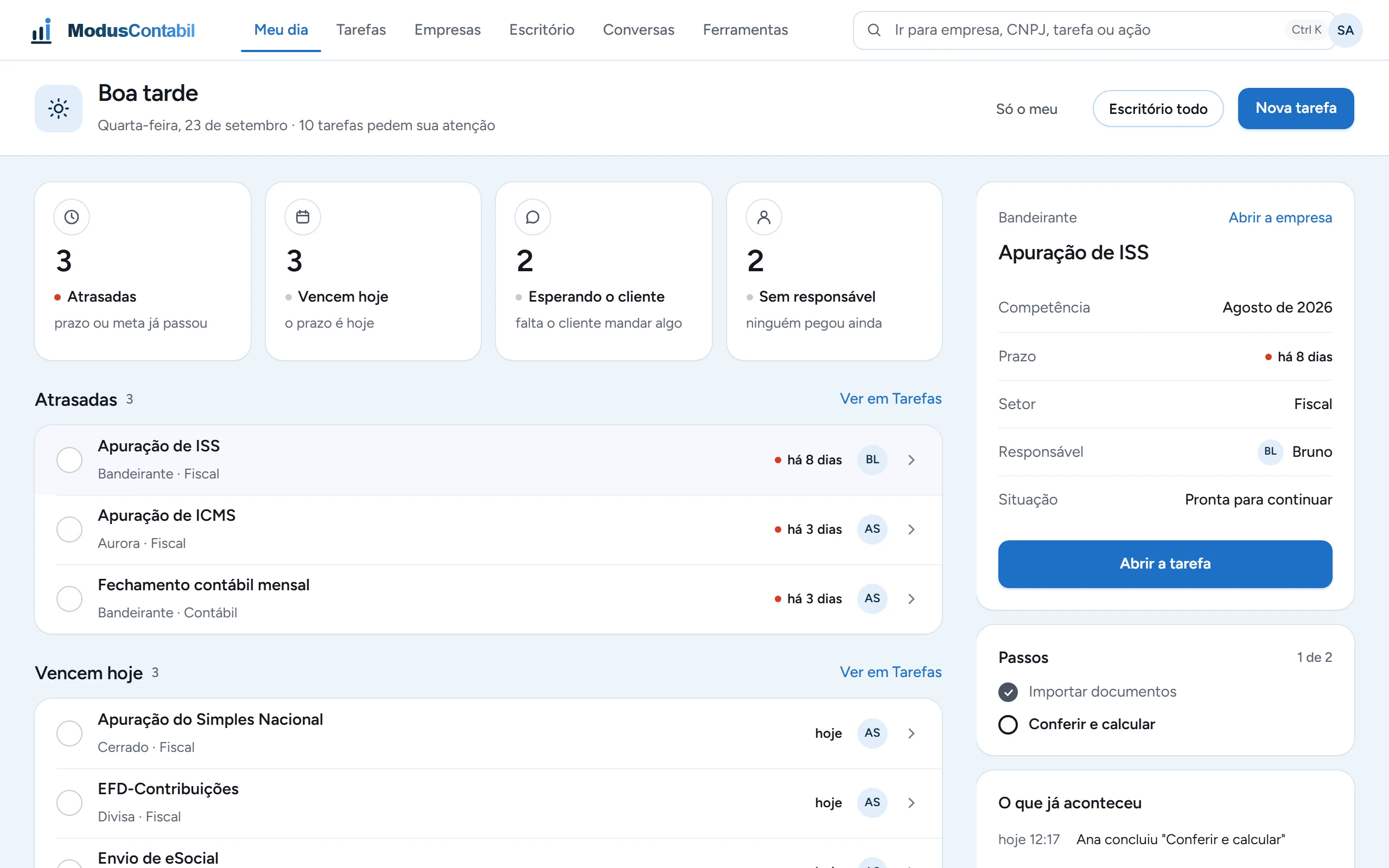
What needs attention today
The first screen of the day: what is overdue, what is due today, what is waiting on the client and what still has no owner.
Pick a task and its steps and history open alongside.
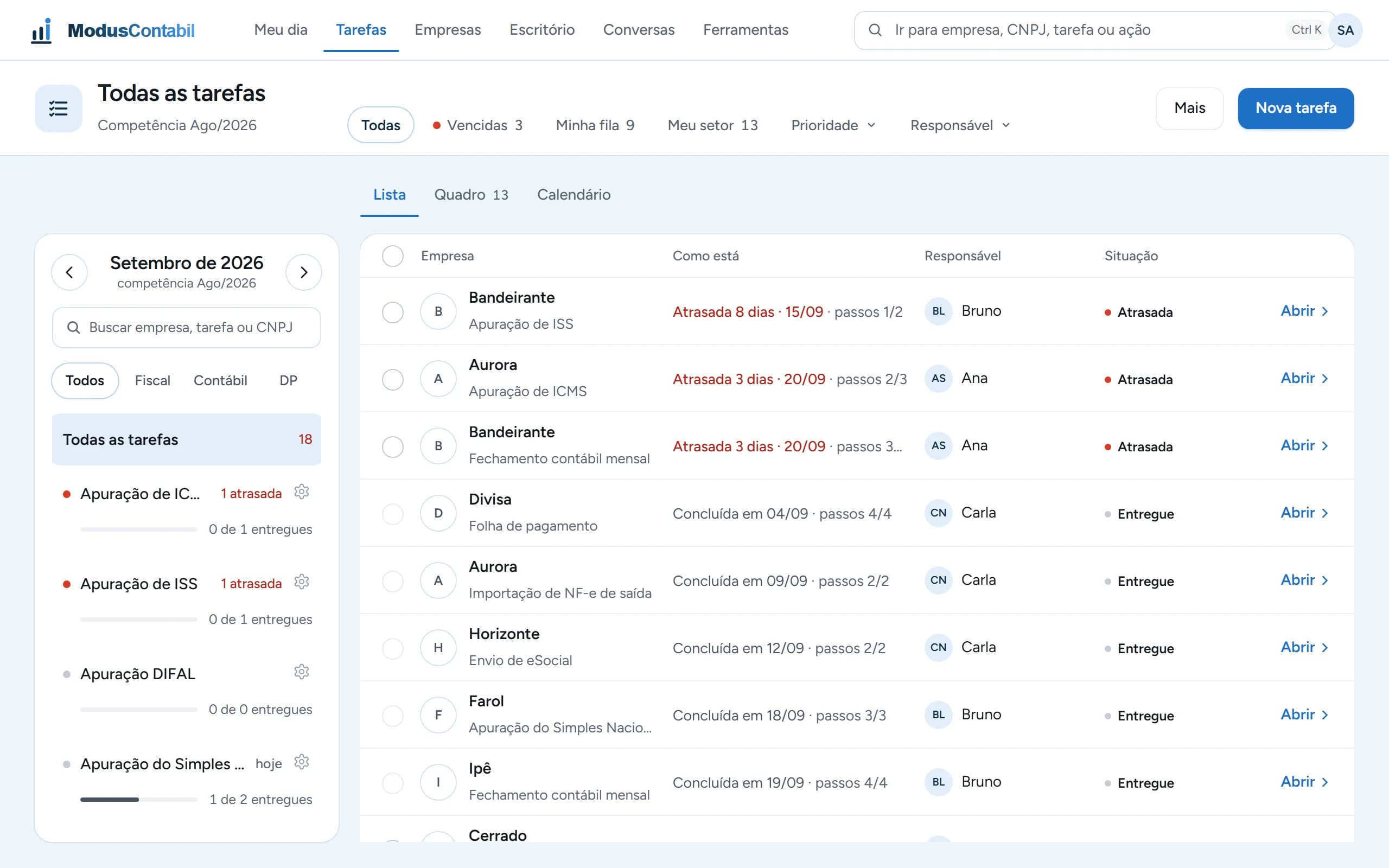
The whole period in one list
Every task for the month, with deadline, steps completed, owner and status.
Filter by overdue, by your queue and by your department. On the left, the progress of each filing.
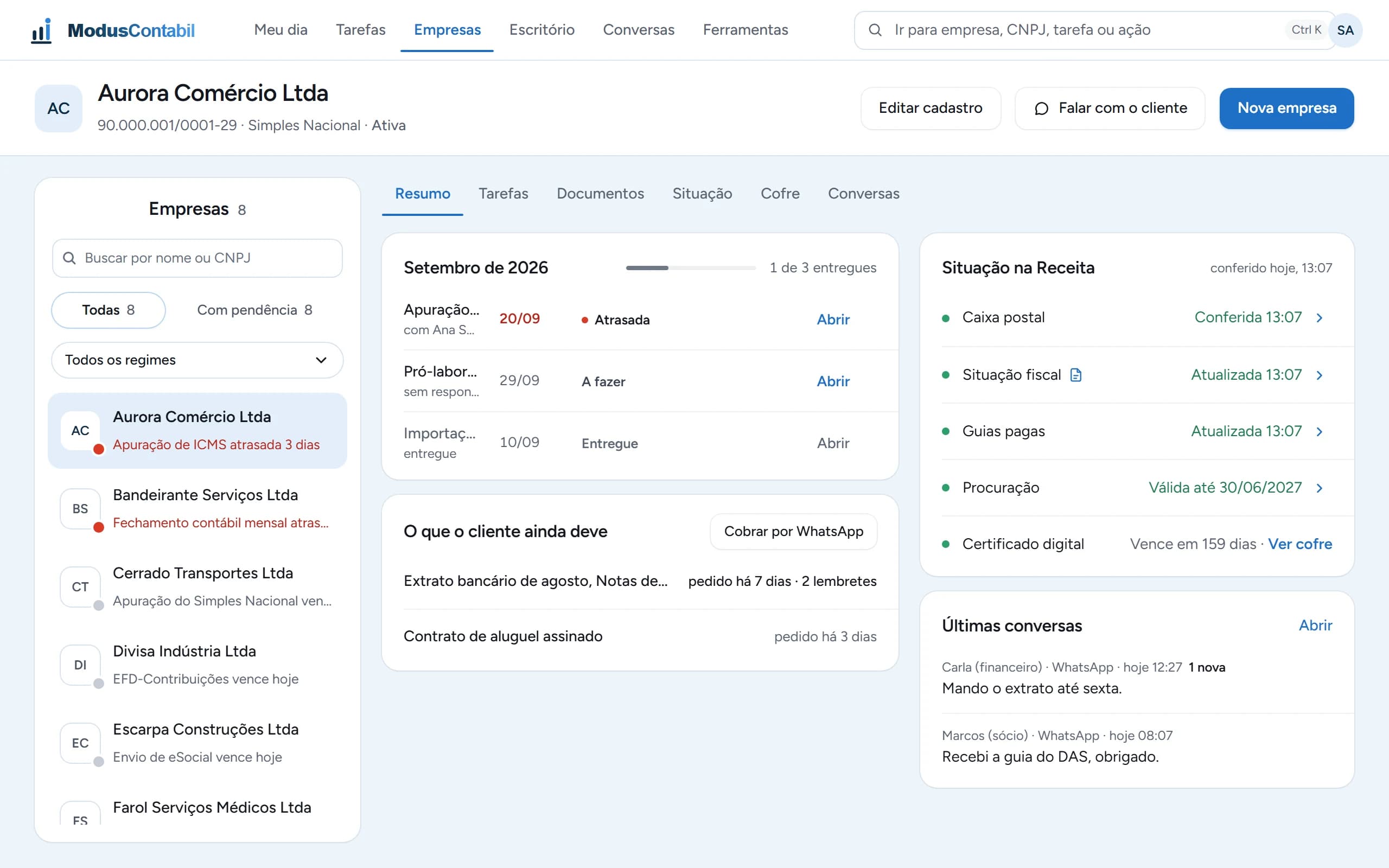
Everything about a company in one place
The month's tasks, what the client still needs to send and the latest WhatsApp conversations.
The company's standing with the Federal Revenue Service is in plain view: mailbox, tax status, paid tax slips, power of attorney and digital certificate.
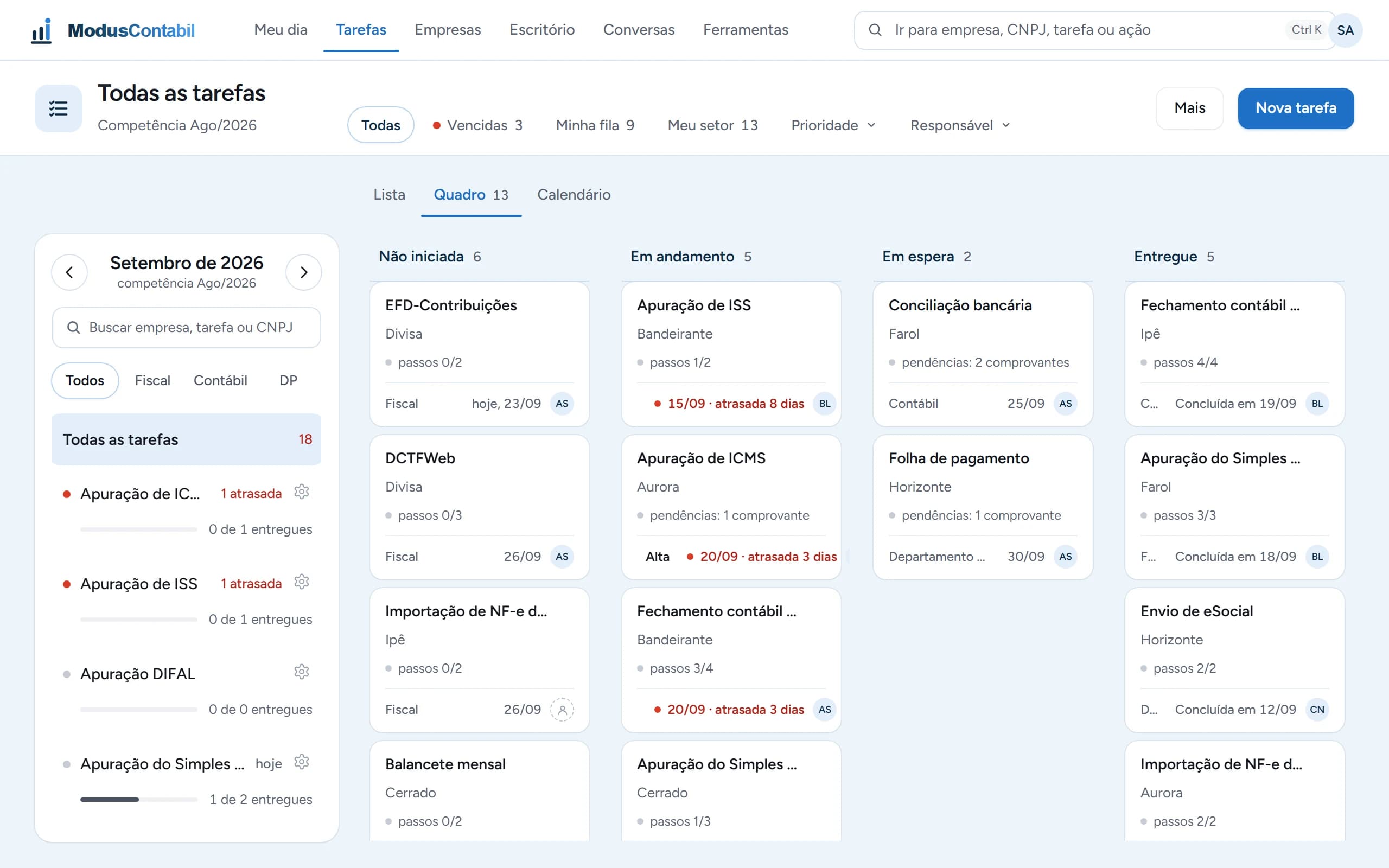
Every task in its column
Not started, in progress, on hold and delivered. Each card shows the company, the deadline, the department and who owns it.
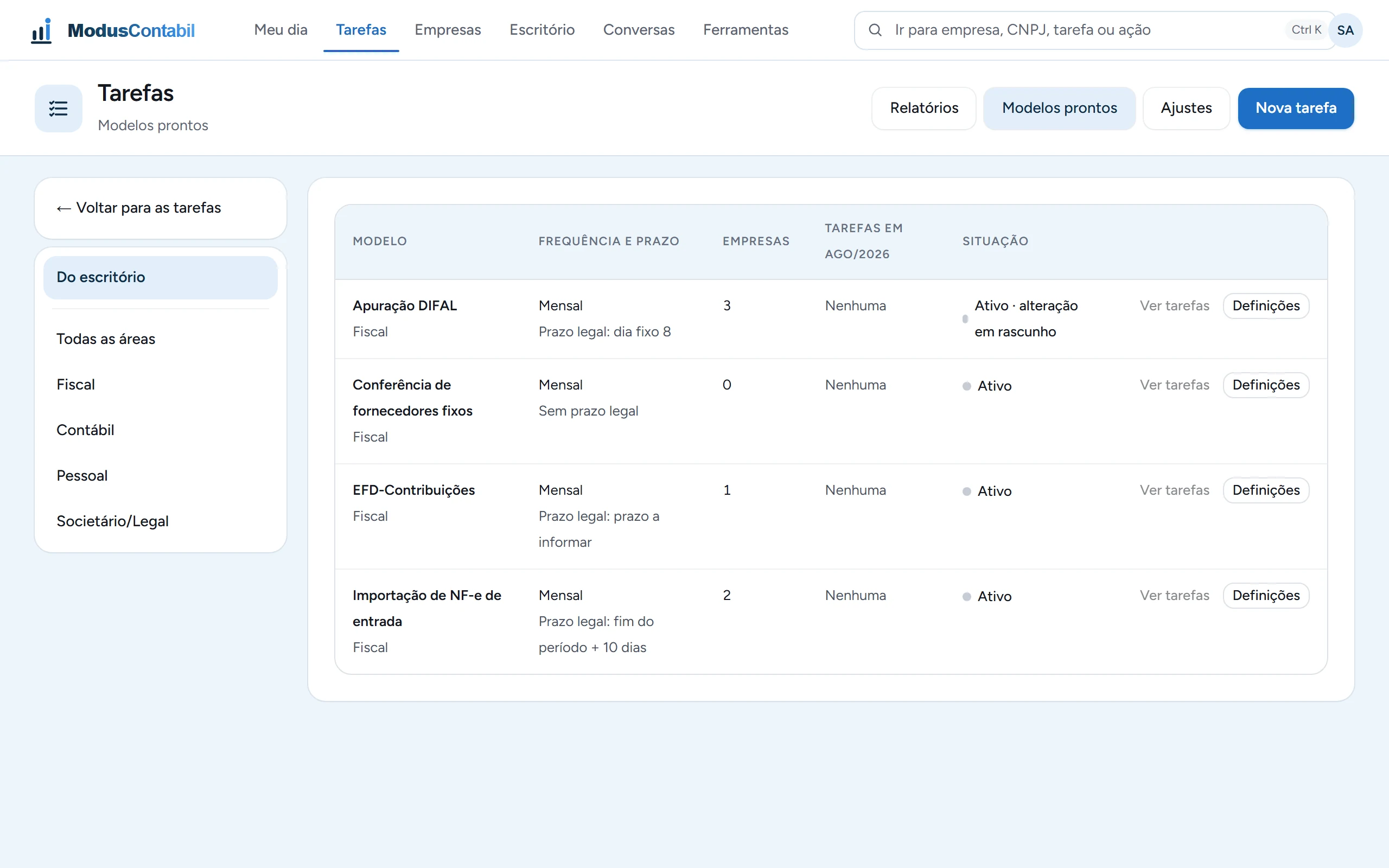
Set it up once, it shows up every month
The template defines the frequency, the legal deadline and which companies get the task.
For each period, the system creates one task per company.
What the system does.
Everything the firm delivers to its client companies, in one place.
Filings and deadlines per company
Each client company has its own filings, with the legal deadline and the firm's internal deadline.
Recurring tasks that create themselves
Every period, the month's tasks appear with an owner and a deadline. Nobody has to remember to create them.
Documents, hours and a client portal
Documents stay with the task, hours are logged and clients follow what is theirs through the portal.
Automatic timesheet reading
The system reads timesheets, so the payroll team stops retyping them punch by punch.
Many companies, isolated data
The firm serves many companies, and one company's data never shows up for another.
Who it is for.
For accounting firms and payroll departments that want to move away from spreadsheets and generic ERPs bent to fit.
- Each company's deadlines live in a spreadsheet only one person understands.
- Every Monday someone asks what is due this week and who is on it.
- Timesheets arrive on paper or as PDFs and are typed in by hand.
- The current system was built for a different kind of business and turned into a patchwork.
How it starts.
Conversation
To understand how the firm works today: departments, filings and who does what.
Proposal
Pricing in writing, based on how many client companies the firm serves.
Onboarding
We stay with you while companies and task templates are set up, until the firm runs on its own.
On request.
The price depends on how many client companies the firm serves.
Want to see ModusContabil in your firm's routine?
We walk you through the system following the way your firm already works.